

LEVERAGE AI business series
Before You Connect AI to Your Business Apps, Map the Workflow
AI is moving into the tools small businesses already use: accounting, CRM, email, spreadsheets, documents, and automation platforms. That is useful, but only if the workflow is clear before the connector is turned on.
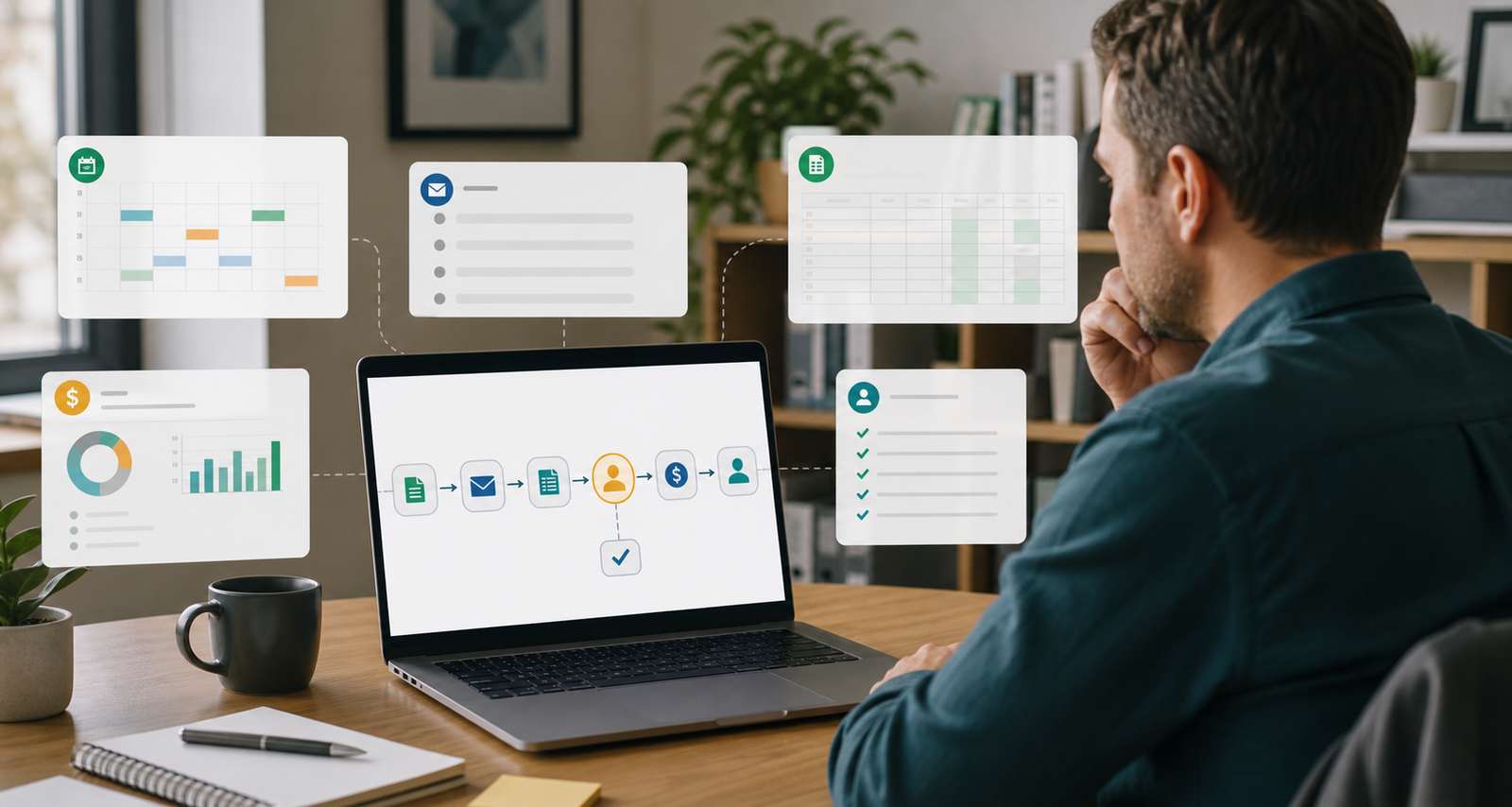
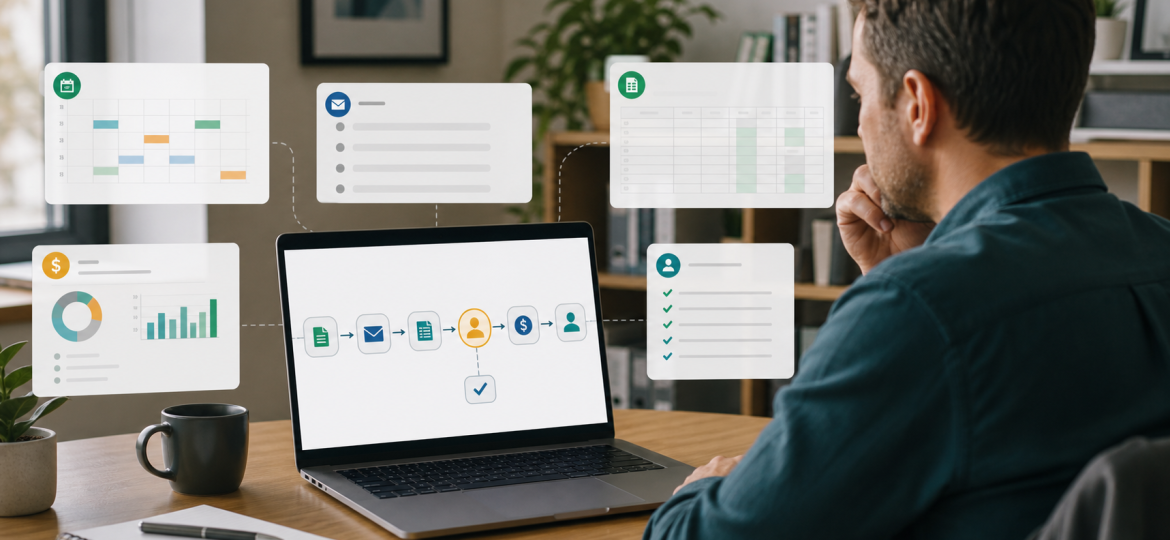
The latest AI news is not just about bigger models. It is about AI moving closer to the systems where small business work actually happens.
Anthropic announced Claude for Small Business, with connectors and workflows for tools such as QuickBooks, PayPal, HubSpot, Canva, Docusign, Google Workspace, and Microsoft 365. OpenAI's recent ChatGPT Business updates include ChatGPT for Excel and Google Sheets, workspace agents, connector controls, and admin analytics. Google is adding AI Inbox, voice features in Gmail and Docs, and Gemini Spark as an agent that can take action under user direction. Zapier and Make are both pushing AI agents into no-code automation, MCP, and multi-app workflows.
That sounds like a tool decision. For most owners, it is not.
The first question should be: which repeated workflow is painful enough, structured enough, and valuable enough to improve?
The connector is not the bottleneck
Small businesses often already have the work scattered across enough tools. A lead arrives in the CRM. A customer emails a question. A payment appears in PayPal. An invoice sits unpaid. A spreadsheet needs cleaning. A document needs to be summarized before a call.
Connecting AI to those tools can help. But a connector does not decide what matters. It only gives AI access to a place where work lives.
If the process is vague, AI will move the vagueness faster. If nobody knows when an invoice reminder should be sent, who approves a discount, which sales leads are worth chasing, or what makes a report "done," the AI tool will not magically create operating clarity.
This is where I would use the LEVERAGE lens.
Locate the real workflow bottleneck
Do not start with "we need AI in QuickBooks" or "we need an agent in HubSpot." Start with the work that keeps coming back.
For example:
- Unpaid invoices are noticed late, and reminders depend on the owner remembering to check.
- Sales leads sit in HubSpot without a consistent follow-up because nobody has time to prepare the first reply.
- Month-end close takes too long because payments, invoices, and notes need to be reconciled manually.
- Customer emails need similar answers, but the right document or spreadsheet is buried in Drive.
- Reports are copied from spreadsheets into documents every week with small manual errors.
Those are workflow problems. The tool comes later.
Evaluate the business impact before building
A good AI workflow automation for small business should reduce a real business drag, not just create a clever demo.
Ask three simple questions:
- How often does this task happen?
- What happens when it is late, wrong, or skipped?
- Who is currently carrying the mental load?
If invoice chasing affects cash flow, it may be worth improving. If lead triage affects response speed, it may be worth improving. If month-end reporting eats the owner's evenings, it may be worth improving.
If the task happens once a quarter and nobody cares much about the result, leave it alone for now. AI leverage usually starts where repeated work creates repeated friction.
Validate the workflow opportunity
A workflow is a stronger AI candidate when it has clear inputs, recurring steps, known rules, and a visible output.
Invoice reminders are a good example. The AI or automation can read overdue invoices, check the customer record, draft a reminder from an approved template, and place it in a review queue. A person still approves before anything is sent.
That is much safer than telling an agent to "handle collections." The first version prepares the work. The second version hands over judgment before the business has defined the rules.
Practical test: if you cannot explain the workflow in five sentences, do not connect more tools yet. Map the task first: trigger, source data, decision rule, output, approval point.
Engineer the smallest useful system
The smallest useful system is rarely a fully autonomous agent. It is usually an assisted workflow that prepares work for human review.
For an invoice workflow, that might be:
- Every morning, check unpaid invoices older than seven days.
- Compare the invoice list with recent payments and customer notes.
- Draft a reminder email using approved language.
- Flag anything unusual, such as a disputed invoice or strategic customer.
- Ask the owner or finance lead to approve, edit, or skip.
That is not glamorous. It is useful. It turns scattered checks into a repeatable queue.
The same pattern works for sales follow-up, support triage, weekly reporting, meeting notes, procurement checks, and internal knowledge search. AI prepares. A person reviews. The business learns which parts can be trusted.
Review before you automate more
Human review is not a sign that the workflow failed. It is how you make the workflow better.
For the first two or three weeks, review the output closely. Track where the AI was useful, where it missed context, and where the rules were unclear. Most failures will not be "AI mistakes" in a dramatic sense. They will be process gaps: missing customer notes, unclear payment terms, old templates, inconsistent spreadsheet fields, or approvals that live only in someone's head.
That is valuable information. It tells you what the business needs to clarify before automation expands.
Automate the repeatable work, govern the risky parts
The market is clearly moving toward more connected AI. Anthropic is packaging SMB workflows. OpenAI is adding workspace agents, spreadsheet-native AI, and connector controls. Google is building AI deeper into inboxes, documents, and personal work. Zapier MCP lets AI clients call configured app actions. Make is positioning agents as visual, transparent automation across thousands of apps.
The direction is obvious: AI will have more ways to read, draft, route, and act across business systems.
That makes governance more practical, not less. You need simple rules:
- Which apps can the AI access?
- Which actions are read-only?
- Which actions require human approval?
- Which data should never be used in prompts or workflows?
- Where are outputs logged so someone can inspect them later?
Microsoft's 2026 Work Trend Index makes a similar point at a larger-company level: leaders need to know who reviews agent performance, who can update agent workflows, and how local wins are captured and scaled. Smaller businesses need the same idea in simpler language: who checks the work, who owns the workflow, and what happens when it goes wrong?
Expand what works
Once one workflow works for a few cycles, expand carefully.
If invoice reminders become reliable, add a weekly cash-flow summary. If sales follow-up drafts are useful, add lead prioritization. If support triage saves time, add a knowledge-base update step after human review.
This is how AI becomes leverage instead of tool clutter. One workflow proves the pattern. The next workflow reuses the same structure: clear input, clear rule, clear output, clear review point.
The practical decision for owners
The new generation of AI connectors and agents is important because it brings AI closer to everyday business work. But that does not mean the next step is to connect everything.
The better move is smaller and more useful:
Pick one repeated workflow. Write down the trigger, source data, decision rules, output, approval point, and stop rule. Then decide which tool or connector can support that workflow with the least complexity.
Clarity before tools still wins.
Want to find your first AI workflow?
If your business is curious about AI but unsure where to start, take the free AI Business Assessment. It helps identify the workflow where AI could create practical leverage first, before you spend time connecting another tool.
Sources
- Anthropic: Introducing Claude for Small Business, May 13, 2026
- OpenAI Help Center: ChatGPT Business release notes, updated May 2026
- Google: New ways to create and get things done in Google Workspace, May 19, 2026
- Zapier Help Center: Use Zapier MCP with your client, updated May 6, 2026
- Make: Announcing the next generation of Make AI Agents, February 11, 2026
- Microsoft WorkLab: 2026 Work Trend Index, May 5, 2026
